
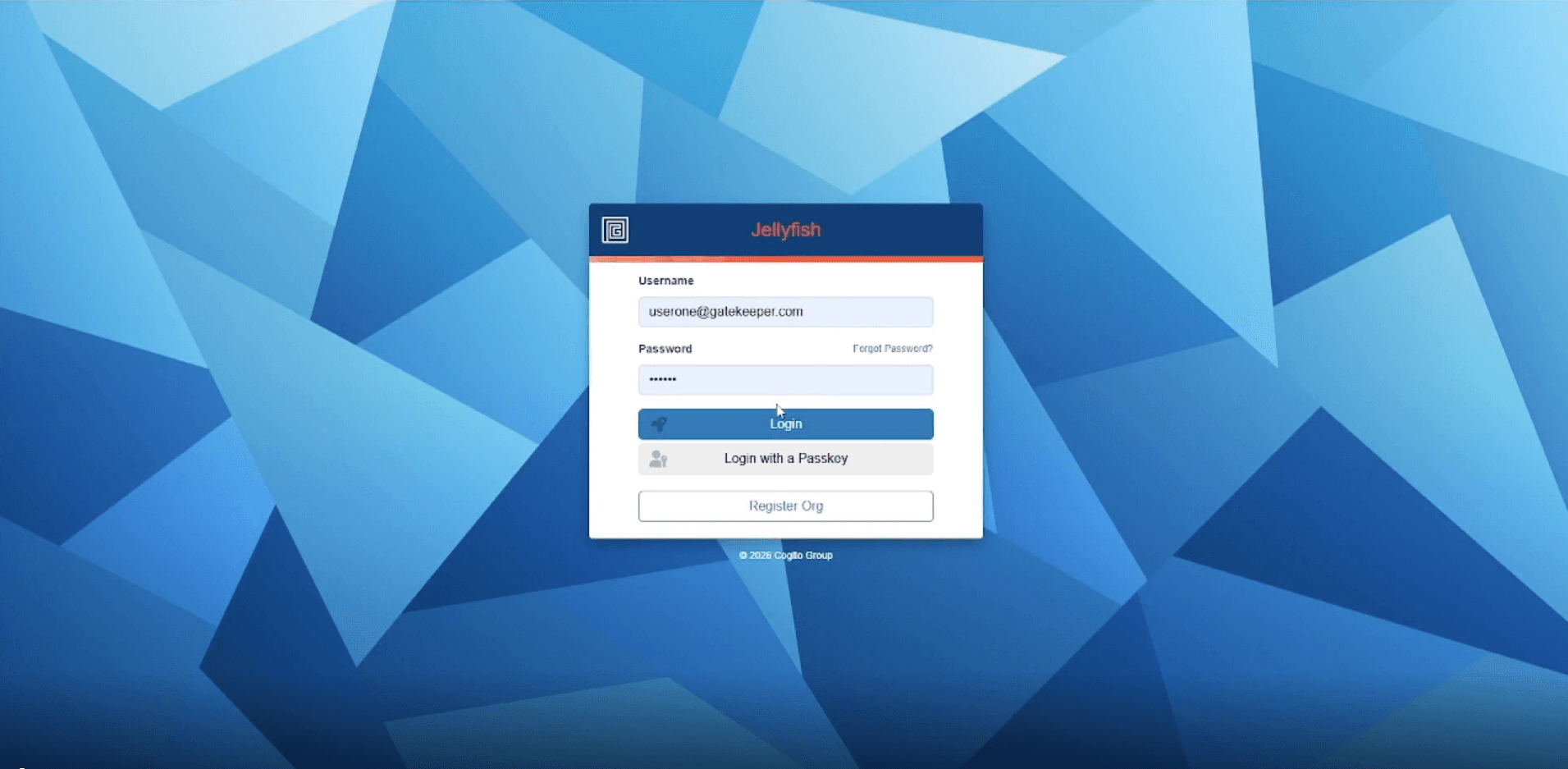
1. Sign in to Certificate Manager
Go to stingray.securesme.com and sign in to your Certificate Manager account.
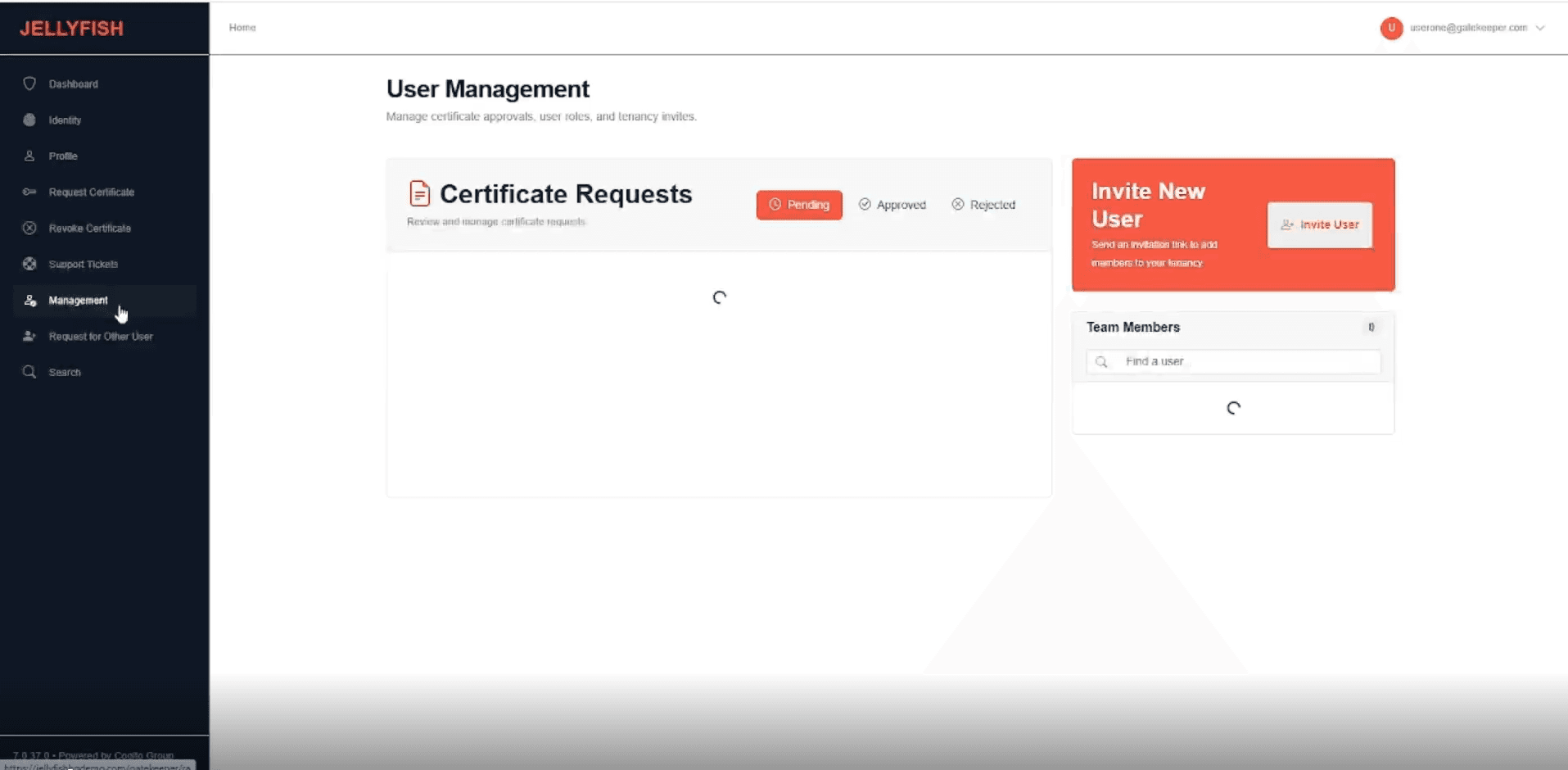
2. Open the Management tab
Navigate to the Management tab.
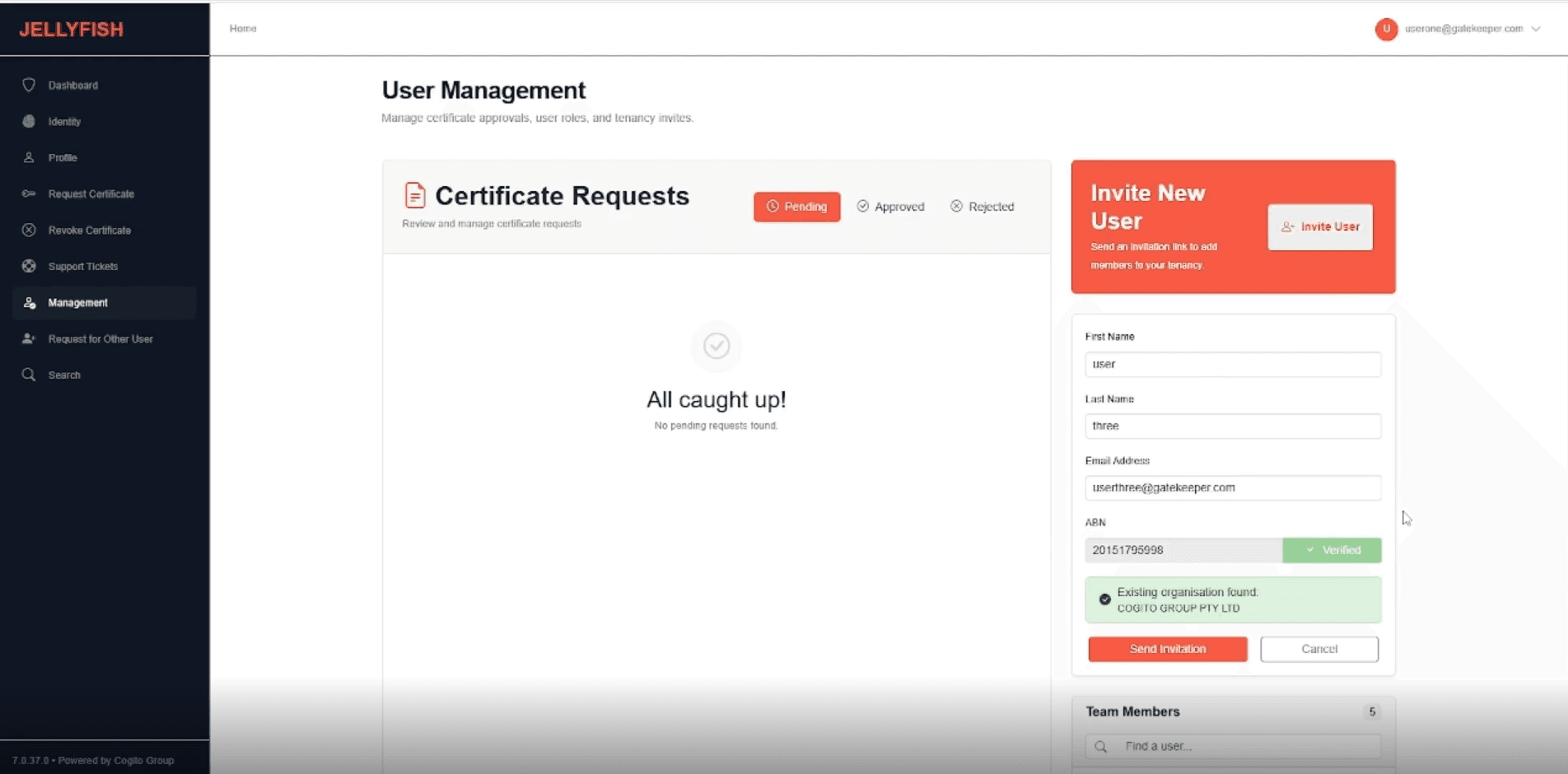
3. Invite a user to an existing organisation (ABN already in the tenancy)
Enter the user’s name and email, then enter an ABN that already exists in this tenancy. Submit the invite.
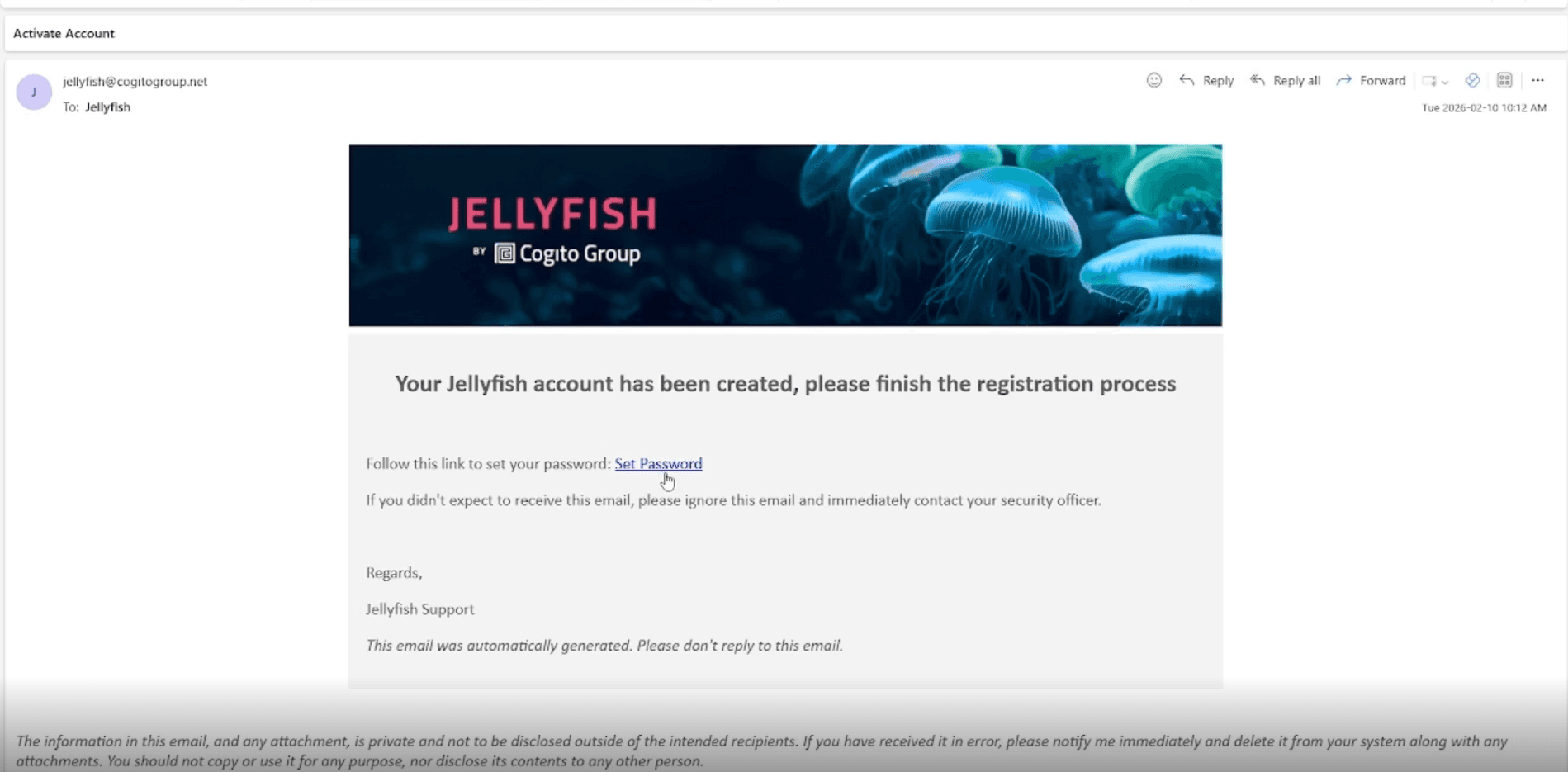
The user will receive an activation email. They follow the link to set a password and activate their account. Once activated, they can log in and begin requesting soft certificates.
4. Invite users to a new organisation (ABN not yet in the tenancy)
Enter the user’s name and email, then enter an ABN that does not yet exist in the tenancy.
Upload the required Proof of Representation document. The request is then sent to the Jellyfish management team for review and approval.
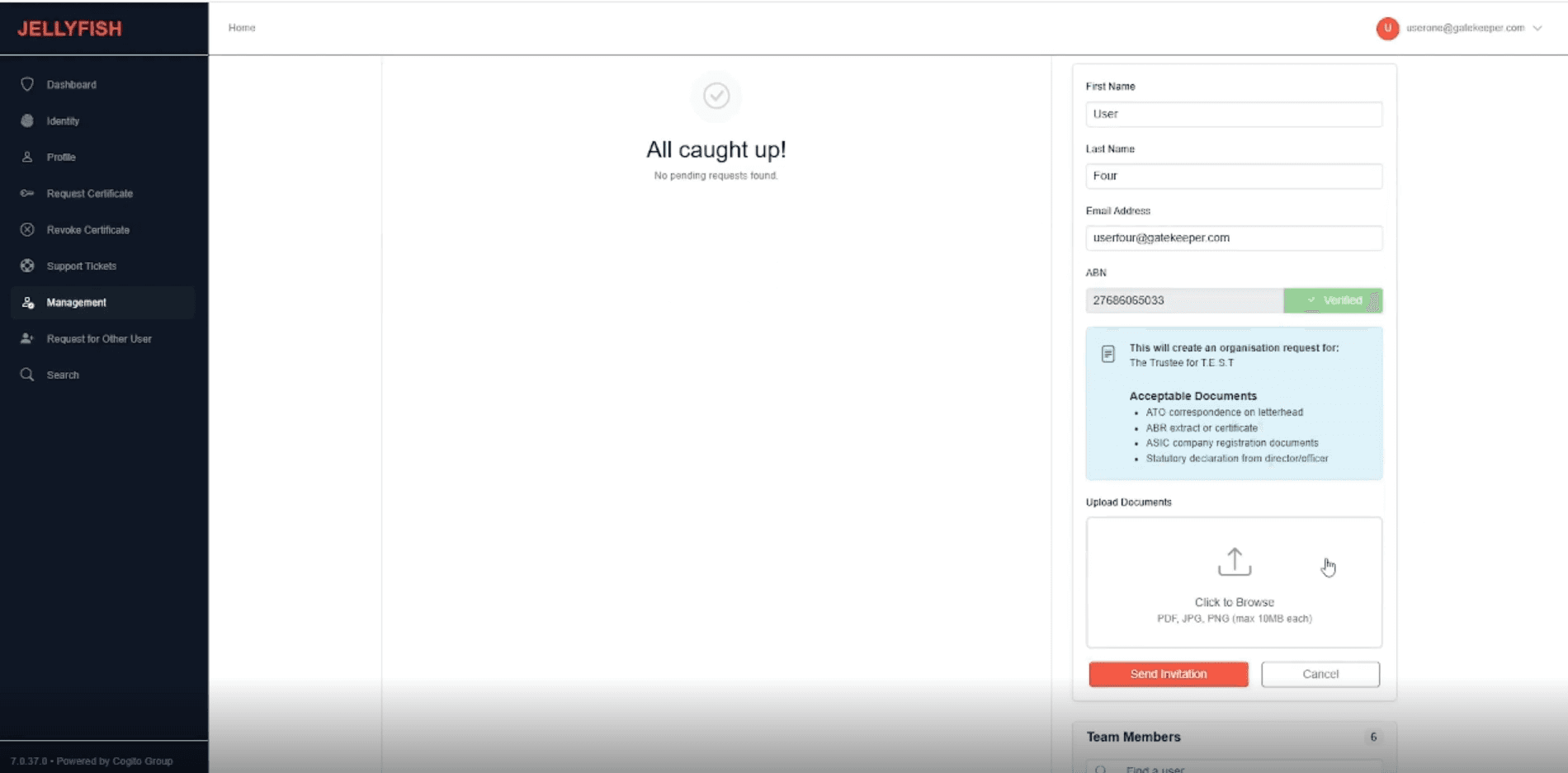
Any additional users added to the same organisation while the request is still pending will automatically be included in the same request.
Once approved, the organisation is created, users are added under the Team Members tab, and activation emails are sent to each new user. Users follow the activation link to set a password and activate their account, then log in and begin requesting soft certificates.